Quick answer: To check an Apple gift card balance before redeeming it, tap here. If you have already redeemed it, you can open the App Store, tap your profile picture and read the amount under your name; this shows the balance after the card has been redeemed. If you plan to sell the card, do not redeem it just to see the balance.
Check an Apple gift card balance without redeeming it
- Apple’s gift card balance page: Apple provides an official page for checking some Apple Gift Card balances. Whether it works depends on the type of card and your region, so it will not return a result for every card.
- App Store & iTunes gift cards: these older cards generally cannot be checked before redeeming. The balance is either the amount on the card or zero if it has already been used.
- Apple Support or the store where you bought it: if the card is unclear, Apple Support or the retailer may be able to help.
Important for sellers: Once you redeem a card, the value is locked into your Apple Account and the code can no longer be sold or traded. Apple’s policy is that gift card value cannot be returned for cash except where the law requires it. If you plan to sell, check the printed amount and the card’s region, and do not redeem it.
How to check your balance on iPhone or iPad
Use this once the card has been redeemed.
- Open the App Store.
- Tap your profile picture, your initials or the sign-in button at the top of the screen.
- Sign in to your Apple Account if you are asked to.
- Look under your name. If you have credit, the amount appears there. If no amount is shown, your balance is zero.
To add a new card to your account, tap Redeem Gift Card or Code on the same screen and enter the code. Remember that redeeming moves the value into your account.
How to check your balance on a Mac
- Open the App Store.
- Click your name or the sign-in button at the bottom of the sidebar.
- Sign in if you are asked to. Your balance appears below your name.
How to check your balance on a Windows PC
If you use Apple services on Windows:
- Open the Apple Music app or the Apple TV app.
- Open the Account menu.
- Your balance appears in the menu if you have one.
What to do if your balance looks wrong
- Contact Apple Support if the amount still seems wrong. Have the card and receipt ready.
How to avoid gift card scams
- Use only Apple’s own pages to check or redeem a card. Someone might create an identical website, and whenever you punch in your details, they run away with it. So, doublecheck to make sure it’s Apple’s official page.
What to do next?
To sell it : Many people choose to convert Apple gift cards to Naira via SekiApp.
Before you sell:
Confirm the card type and region.
Check the printed value and make sure the card has not been used.
Do not redeem the card first.
Keep the receipt and a clear photo.
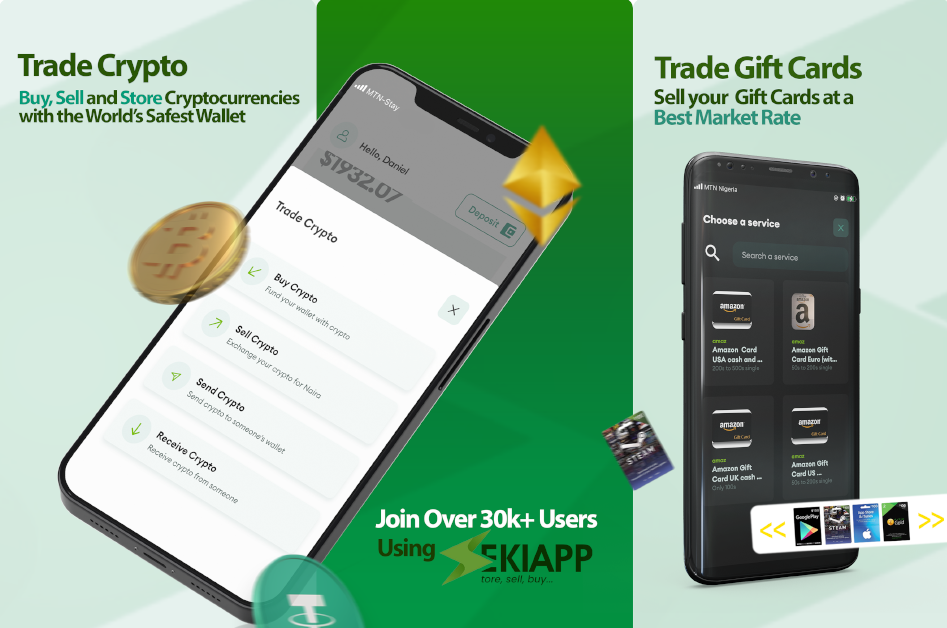
SekiApp lets you sell Apple gift cards and receive Naira in your bank account. Trade with SekiApp today.
Frequently Asked Questions (FAQ)
How do I check my Apple gift card balance?
Redeem the card, then open the App Store, tap your profile picture and read the balance under your name. On a Mac, click your name at the bottom of the sidebar.
Can I check my Apple gift card balance without redeeming it?
Yes, Apple provides a balance page for some Apple Gift Cards, and most cards show their value on the card or in the email. Older App Store & iTunes cards usually cannot be checked until they are redeemed.
Is an iTunes gift card the same as an Apple gift card?
They are different products that both add credit to your Apple Account. Apple Gift Cards replaced iTunes and App Store gift cards, but older cards still work.
Where is the code on an Apple gift card?
On a physical card the code is on the back, usually under a scratch-off area. On a digital card it is in the email or message you received.
Do Apple gift cards expire?
Apple does not set an expiry date on Apple Gift Cards. Check the terms printed on your card to be sure.
Can I sell an Apple gift card in Nigeria?
Yes. Many Nigerians sell Apple gift cards through SekiApp and receive Naira. Rates vary, so confirm the card type and region and do not redeem the card before you sell it.