To see your balance, redeem the 25-character code at redeem.microsoft.com, then check account.microsoft.com/billing/payments. If you plan to sell the card, do not redeem it first. Redeeming locks the value into your Microsoft account and leaves you with nothing to sell.
This guide covers how to check a balance after redeeming, what to do if you want to sell instead, and how to avoid fake balance checkers.
Sell your Xbox gift card on SekiApp
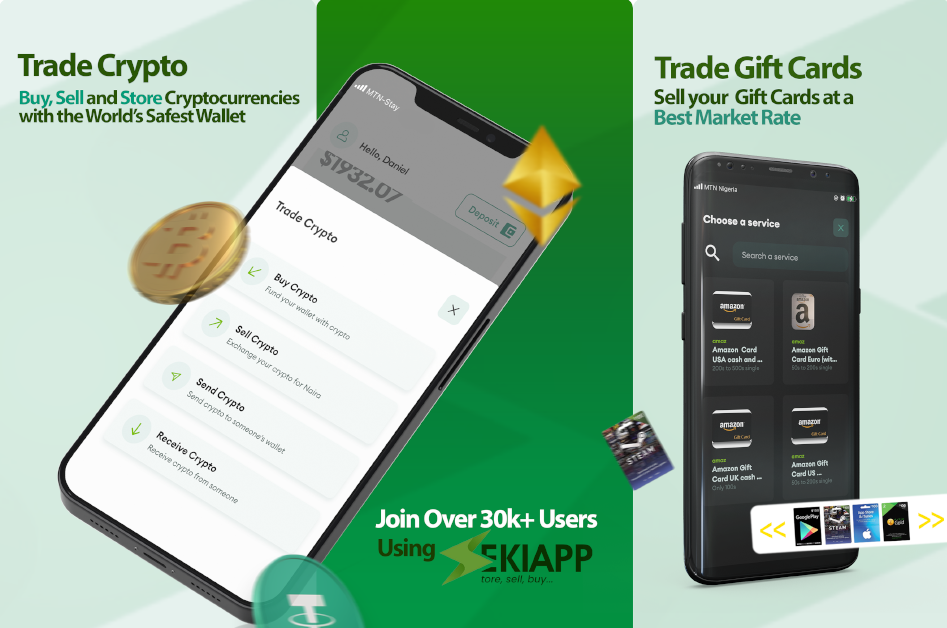
SekiApp lets you sell gift cards, USDT and Bitcoin for naira, any time of day. You can withdraw from your SekiApp wallet to your local bank account.
- Download SekiApp and sign in.
- Choose Sell Gift Cards, then Xbox.
- Select the card type and enter the amount.
- Upload the card or code details and submit.
- Get paid in naira to your wallet, then withdraw to your bank.
SekiApp also handles Amazon, Apple, Steam and Google cards, plus crypto. Always check the live rate in the app before you trade, since rates move.
What is an Xbox gift card?
An Xbox gift card is a prepaid digital or physical card for games, add-ons, Game Pass, movies and apps. It doesn’t top up a separate “Xbox wallet.” It adds funds to your Microsoft account balance, which you can spend on Xbox, Windows and the Microsoft Store.
Can you check an Xbox gift card balance without redeeming it?
No. If the card is still unredeemed, there is no online page to check its value beforehand. The amount is printed on the card or receipt, or the retailer can confirm it.
That is a change from the old advice, which said you could look up a balance without redeeming. Redeeming adds the full amount to your account, and a redeemed code can’t be reused or moved.
How to check your balance after redeeming (online)
- Go to redeem.microsoft.com (or xbox.com/redeem) and sign in.
- Enter the 25-character code and select Next, then Confirm.
- Visit account.microsoft.com/billing/payments and sign in with the same Microsoft account.
- Your Microsoft account balance shows there.
How to check your balance on an Xbox console
- Press the Xbox button, select Store, open the side menu with the View button and choose Redeem. Then enter the code.
- To check the balance afterwards, go to Settings, then Account, then Payment & billing.
If the balance doesn’t show straight away, sign out and back in, or check on the web.
Selling instead? Don’t redeem it
Most Nigerians holding an Xbox gift card want naira, not games. In that case:
- Read the face value on the card or the receipt or email it came with.
- Confirm the card’s region (US, UK, etc.) matches what you’re selling.
- Keep the code private until you are ready to trade.
Region mismatch
Make sure the card matches the region and currency of the Microsoft account. A US card won’t redeem on an account set to another country. Check this before you buy or accept a card from abroad.
Beware of fake balance checkers
Only enter an Xbox code on microsoft.com, xbox.com or the console. A redeemed code is spent the moment it is entered, so anyone asking for your code “to verify” a card should be treated as a red flag. Never type a code into a random “balance checker” website.
Common problems and fixes
Frequently asked questions
How do I check my Xbox gift card balance without redeeming? You can’t. Redeem it first, or read the face value on the card or receipt.
Can I check an Xbox gift card balance with the last 4 digits? No. Redemption needs the full 25-character code.
Where do I check my Xbox balance after redeeming? At account.microsoft.com/billing/payments, or on your console under Settings, Account, Payment & billing.
Can I sell an Xbox gift card after redeeming it? No. A redeemed card is spent.
Can I use my Xbox gift card balance on another account? No. Redeemed value stays on the account that redeemed it.